To add a different header block to a page, just go to the patterns area in the block inserter, and scroll down until you see the one you want. Select it to add it to your page.
Add the page title and banner content (no more than about 150 characters).
In case you need one, here’s a handy online character counter.
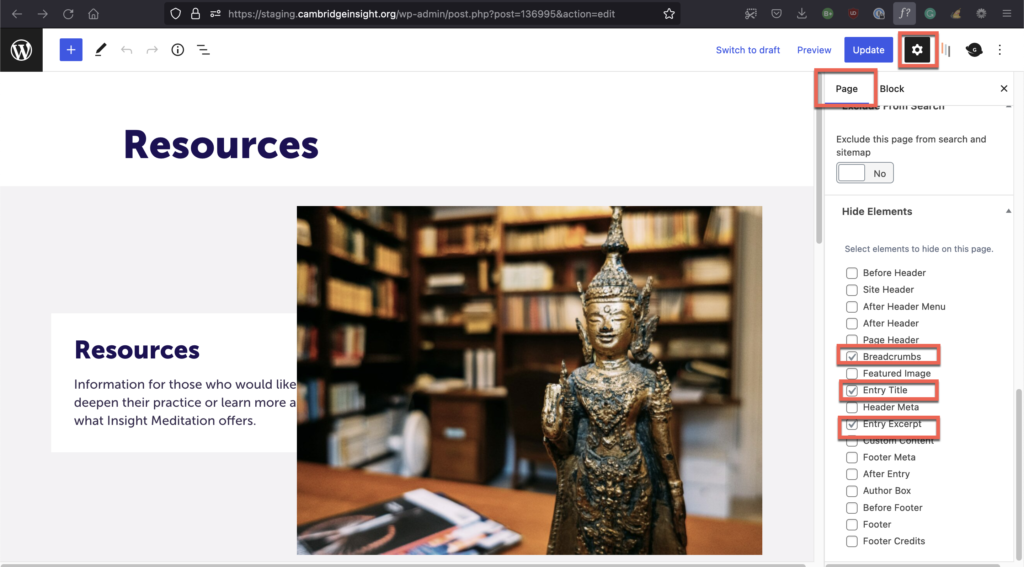
For this particular pattern, we want to make sure that we suppress the display of some elements of the page so it will look its best with this header in place.