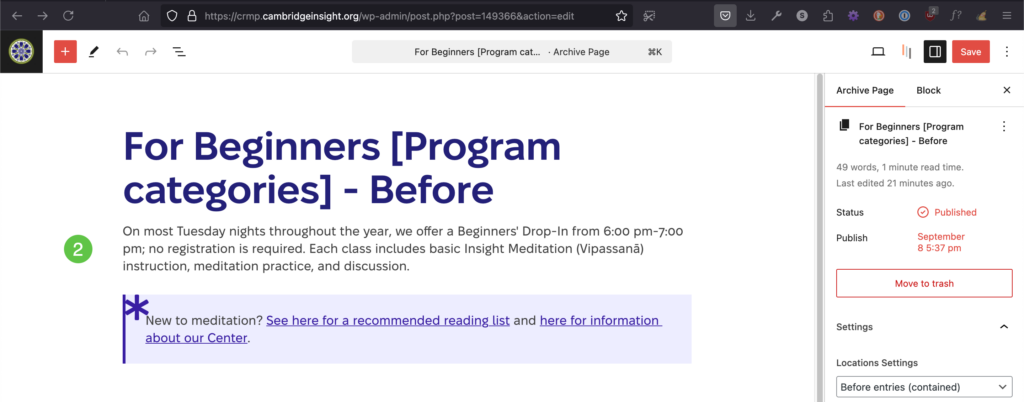
The pages with this layout pattern are called Archive pages (lists of items that share a category or some other taxonomy).
To edit the content that introduces an archive page, you may need to edit the archive description (item 1) or the content before (item 2), or both.
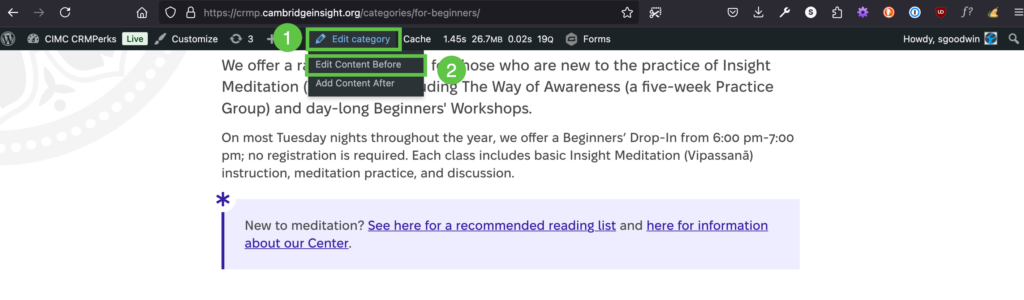
Note the Edit Category link and the Edit Content Before link in the archive edit menu.
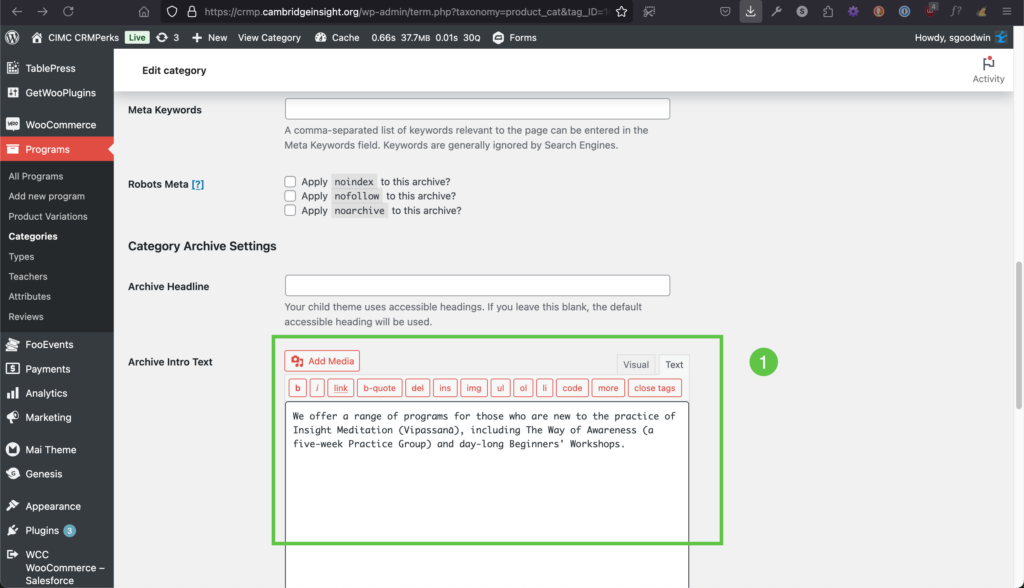
Choose Edit Category to edit the introductory paragraph on your archive page. This archive intro text has functions and styles associated with it, but all you have to do is enter plain text into the dialog. This should be a single paragraph.
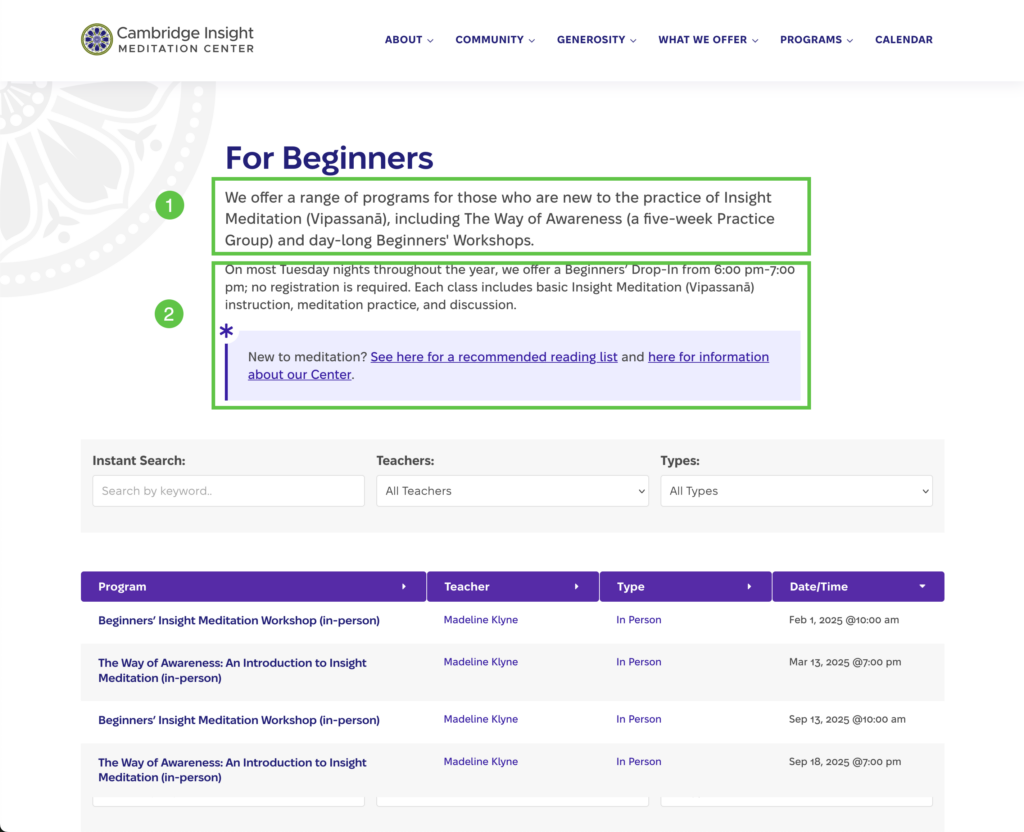
To make changes to the rest of the content at the top of the archive page, use the Edit Content Before link in the edit page drop-down. Note that this looks and behaves like a normal WordPress content page.